How to Create an OKX Account
Follow these simple steps to create your OKX account.
Sign Up1
Click the green Sign Up button
Click the green Sign Up button to start creating your OKX account.

2
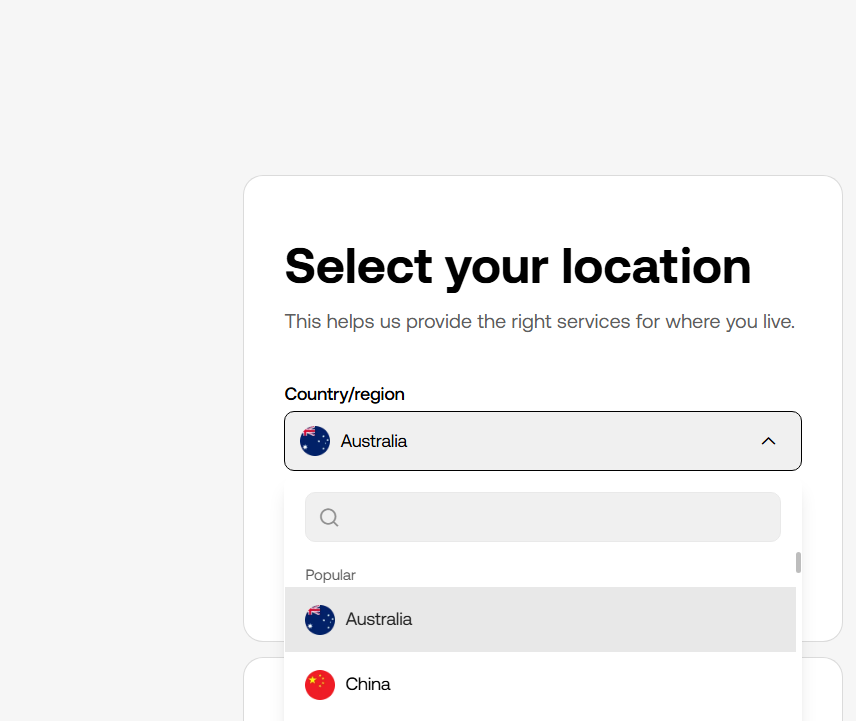
Select your country of residence
Choose the country or region where you currently live.
3
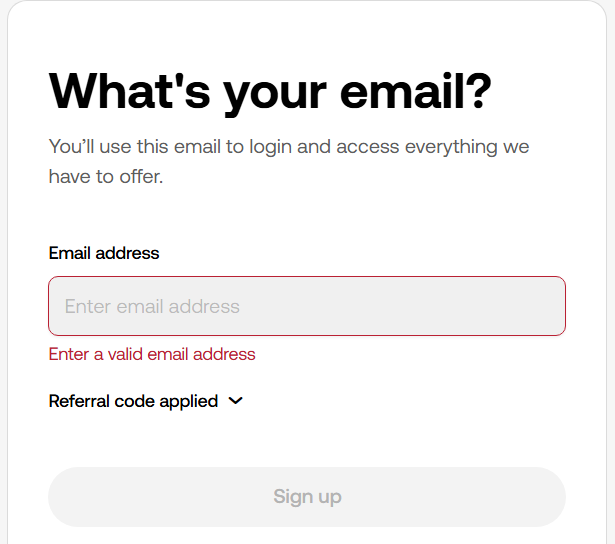
Enter your email address
Enter your email address to continue with registration.
4
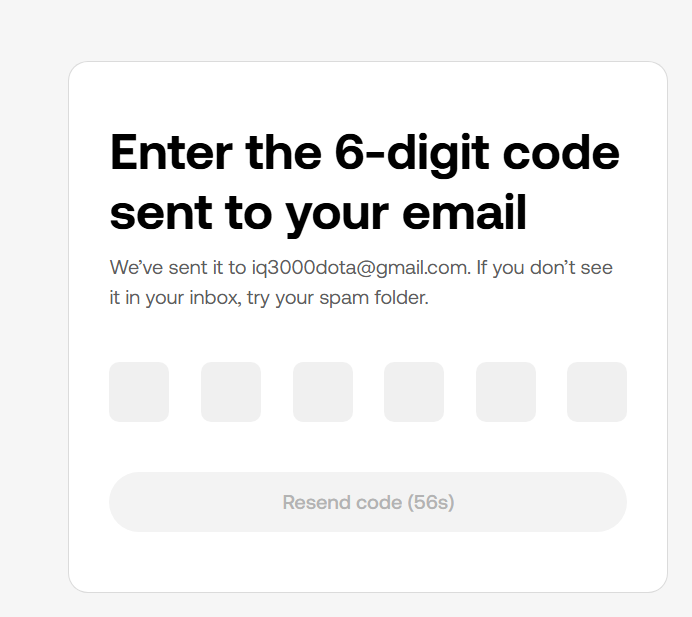
Enter the email verification code
Check your email for the verification code and enter it on the OKX website.
5
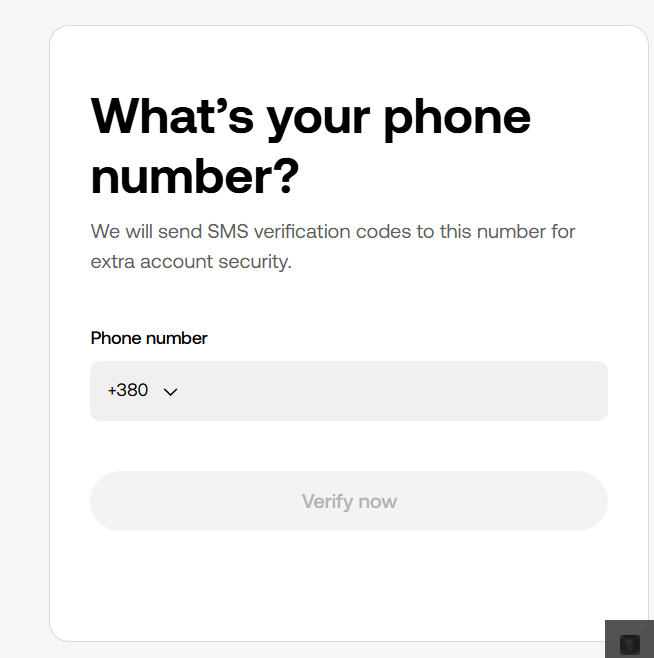
Verify your mobile phone number
Enter and confirm your mobile phone number in the same way you verified your email address.
6
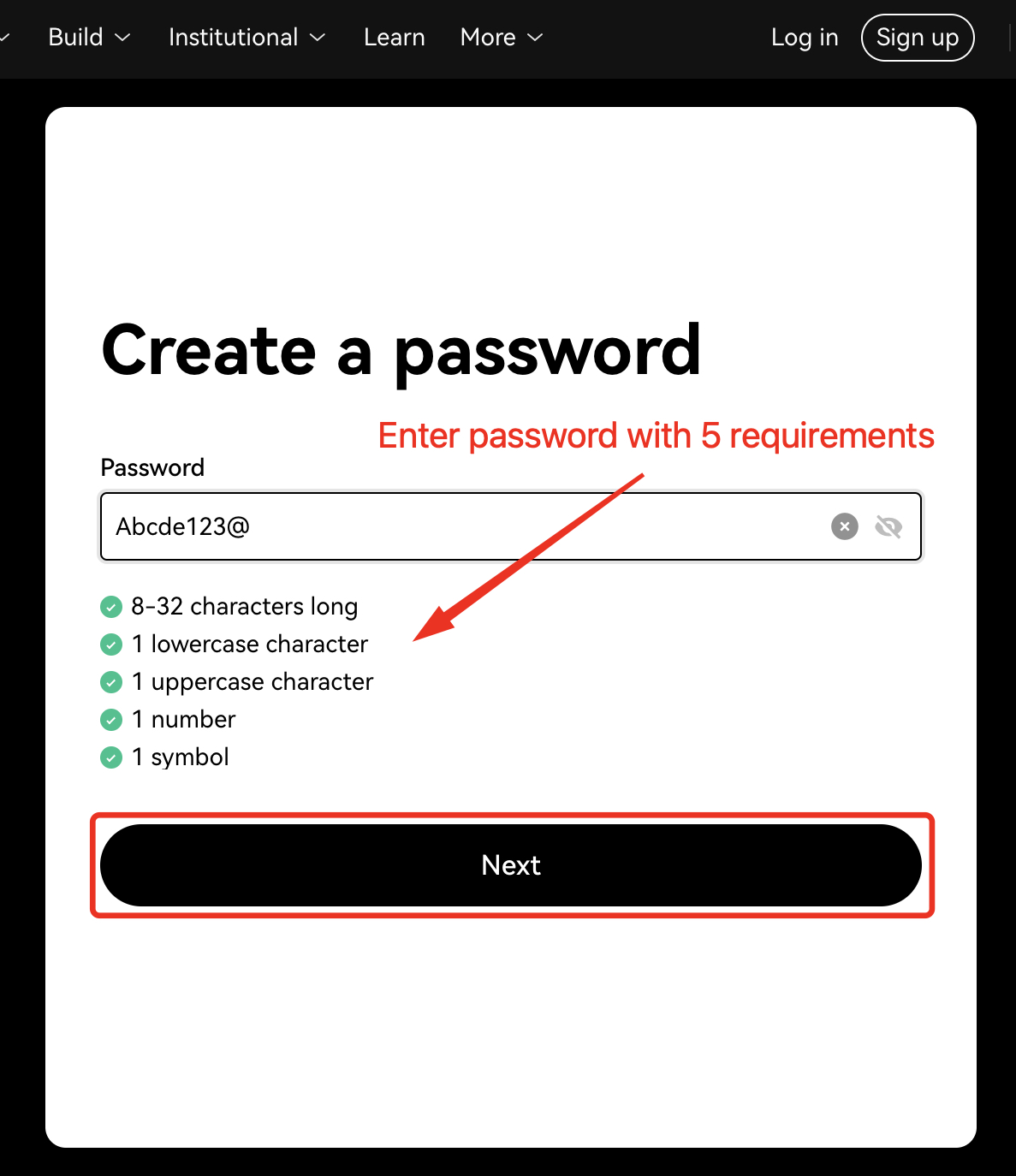
Create a password
Create and enter a strong password for your OKX account.
You're all set!
Your OKX account has now been created.
Recommendation
Complete the registration steps and keep your OKX account credentials secure.